
Copperhead
Venomous pit viper found across the eastern and central United States.
Snake Identifier by Picture · Global
Snap a photo. Identify the species. Get safety guidance instantly. Free to download.


Educational aid only. Not medical advice. In emergencies, contact wildlife professionals or local emergency services.
Global
SerpentID identifies more than 3,000 snake species worldwide, from common backyard sightings to high-risk venomous species. Below is a sample of frequently identified snakes.
Venomous pit viper found across the eastern and central United States.
Largest rattlesnake species in North America. Highly venomous.
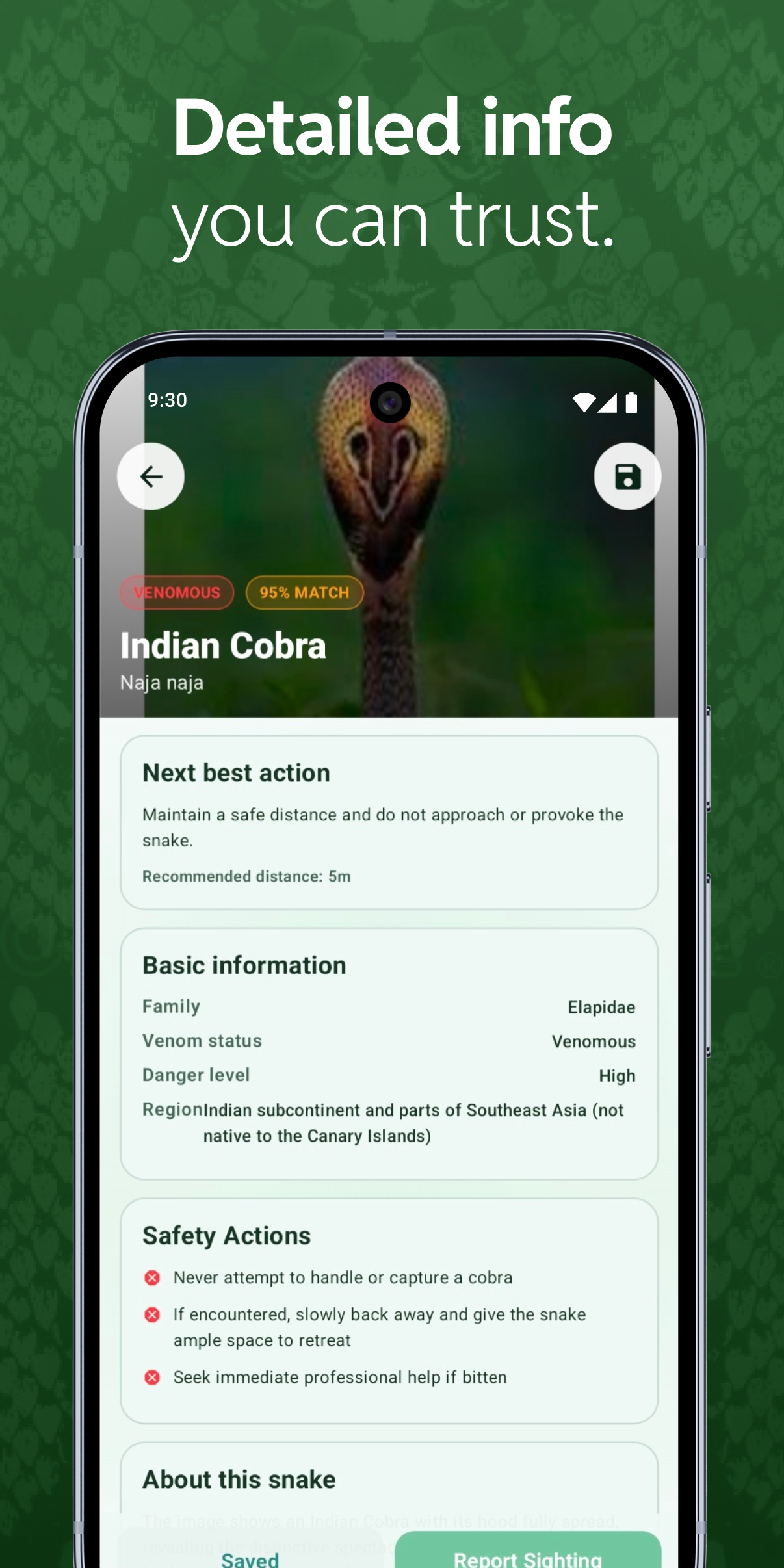
Semi-aquatic venomous pit viper. Often confused with non-venomous water snakes.
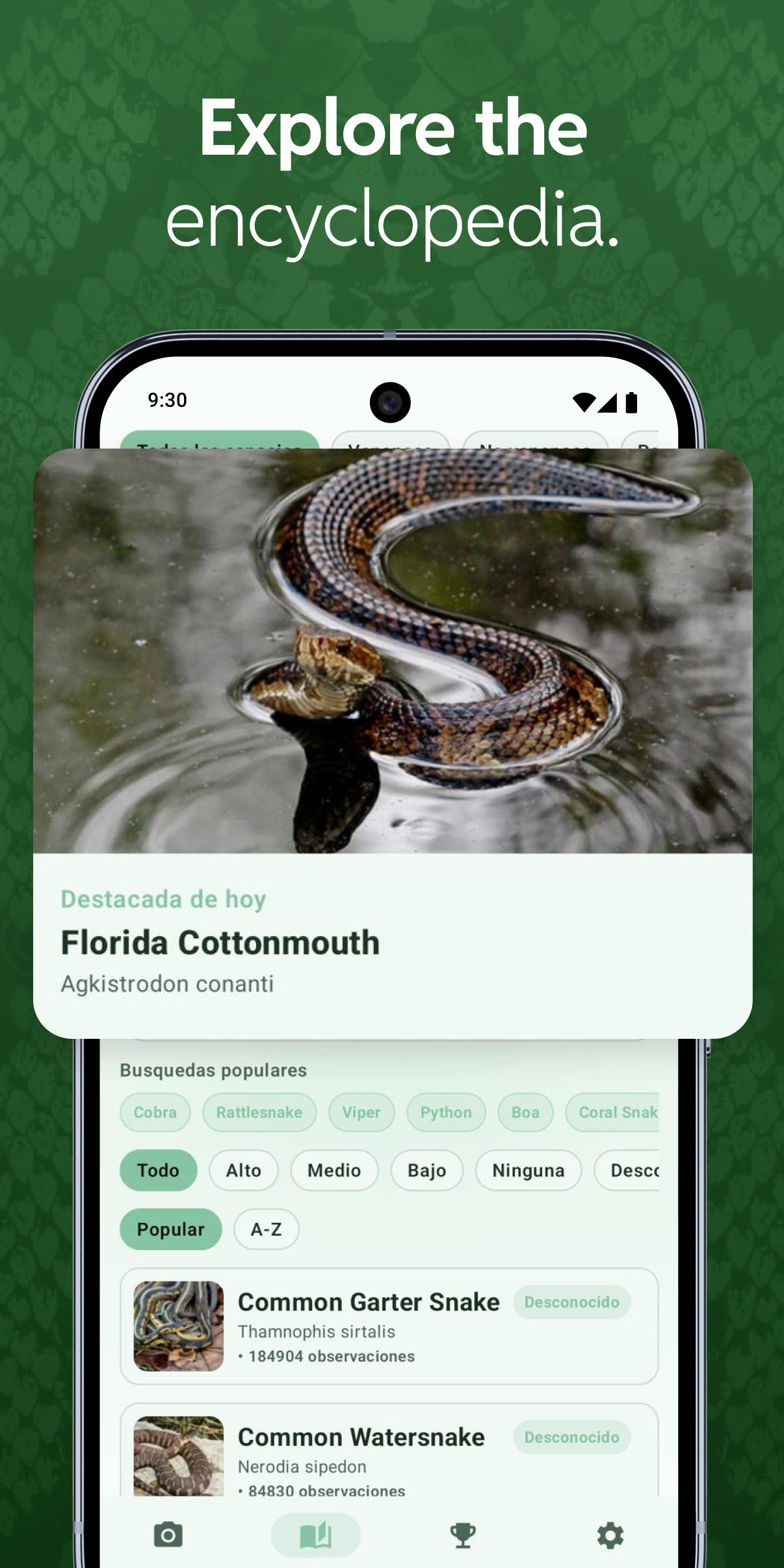
Common, harmless, and widely distributed. Frequently identified in suburban yards.
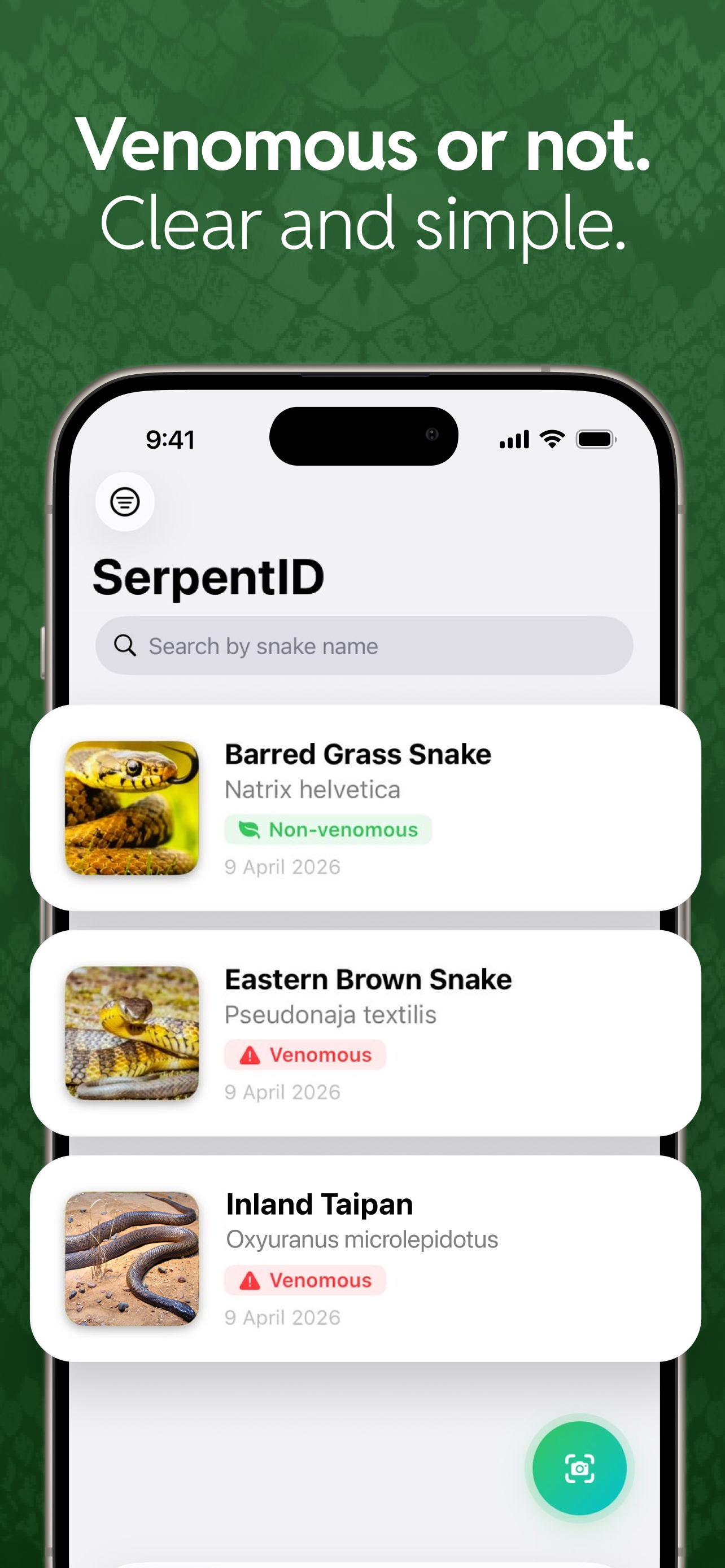
Brightly banded venomous elapid. Remember: 'red touches yellow, kill a fellow'.
Large non-venomous constrictor commonly mistaken for rattlesnakes.
Browsing from outside the US? See the Australia page or the India page for region-specific species.
How It Works
01
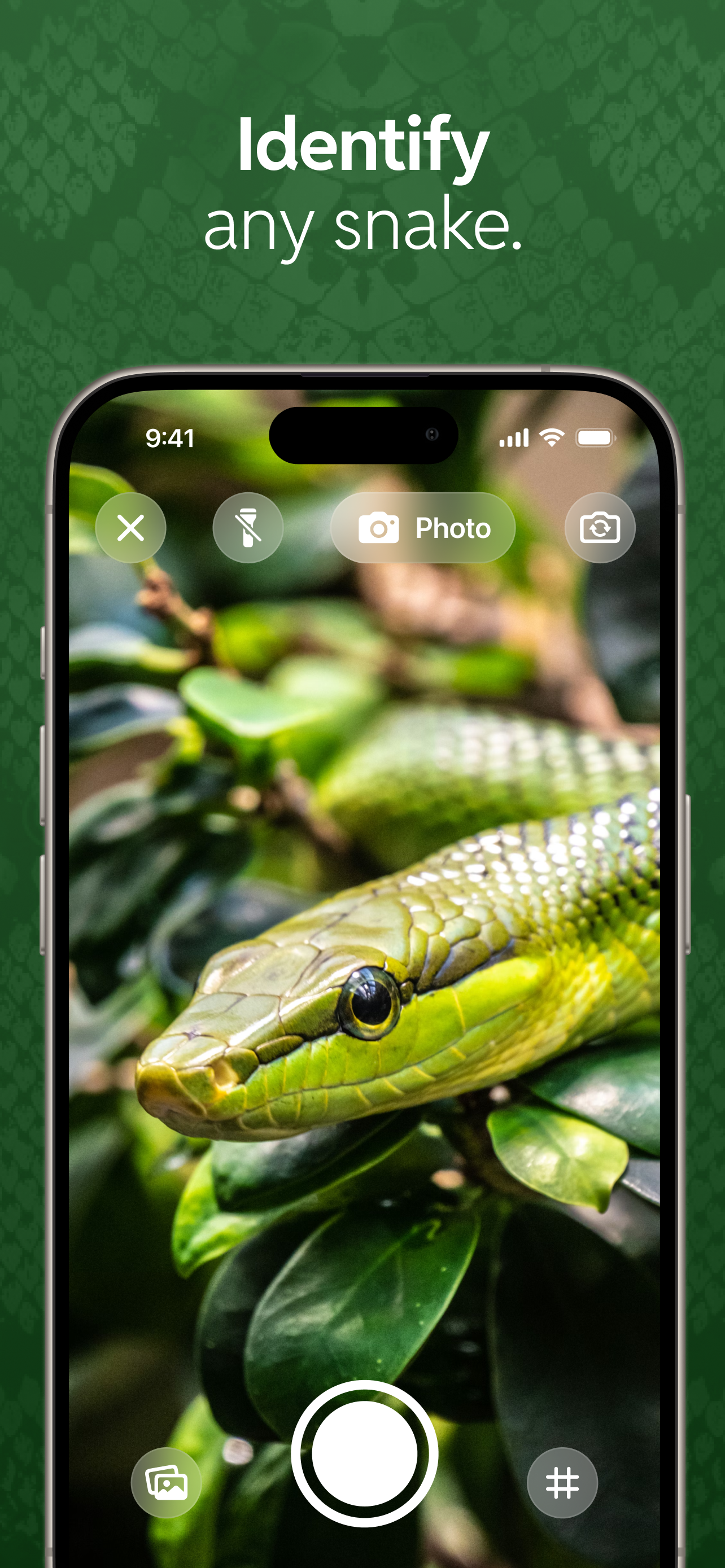
Capture a clear snake picture in the field or upload from your gallery for instant analysis.
02
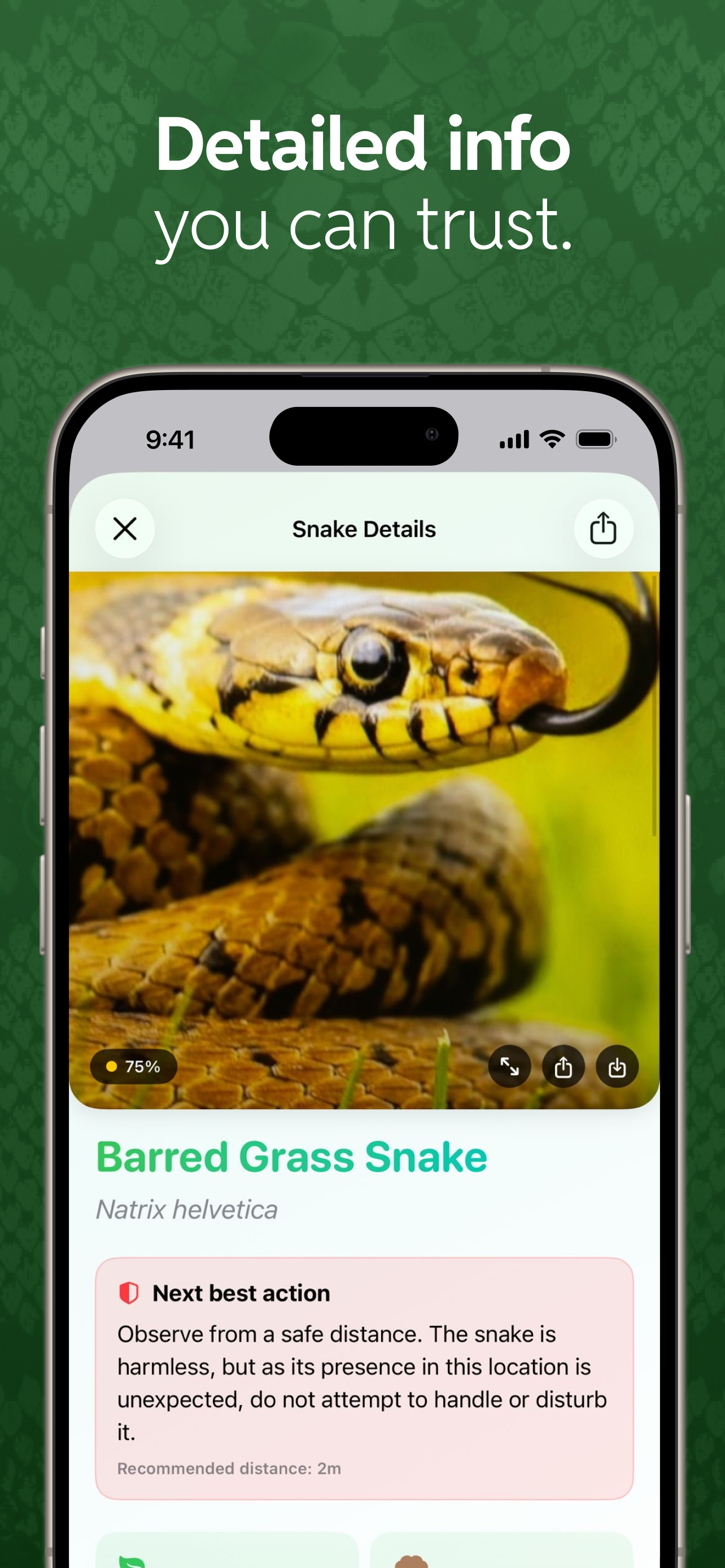
SerpentID returns confidence-based species options with visual traits so you can interpret the result with context.
03
Use the in-app guidance to reduce risk, keep distance, and decide when to contact a local professional.
Safety First
SerpentID is designed to support safer behavior, not risky interaction. You get confidence signals, clear reminders, and practical context before taking the next step.
Snake Guide
Keep using SerpentID to build a stronger understanding of species commonly seen in trails, yards, and work sites.
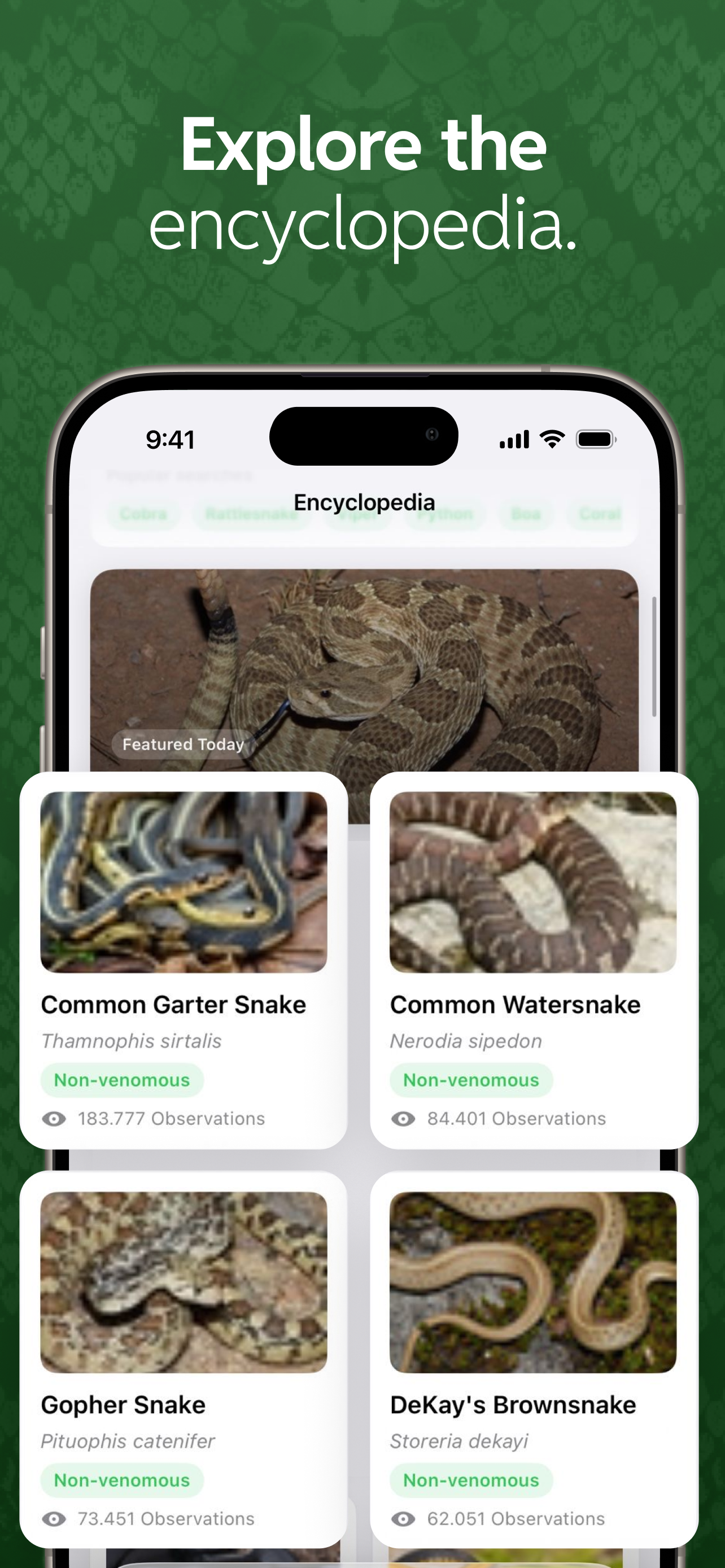
Explore snake species pages with practical context so you can better understand markings, habitats, and behavior patterns.
Use the app while hiking, camping, or working outdoors to review likely matches and make safer distance decisions.
Built around real questions like identify snake by picture and is this snake venomous, while keeping guidance easy to follow.
Platforms
Same snake identifier by picture experience on iOS and Android, with safety-first guidance built in.
Install SerpentID for iPhone and identify snakes from any picture.
Get SerpentID on Android to identify snakes by picture and review safety recommendations.
Field Notes
Browse short practical guides about species markers, safer photo capture, and what to do when confidence is high, low, or unresolved.
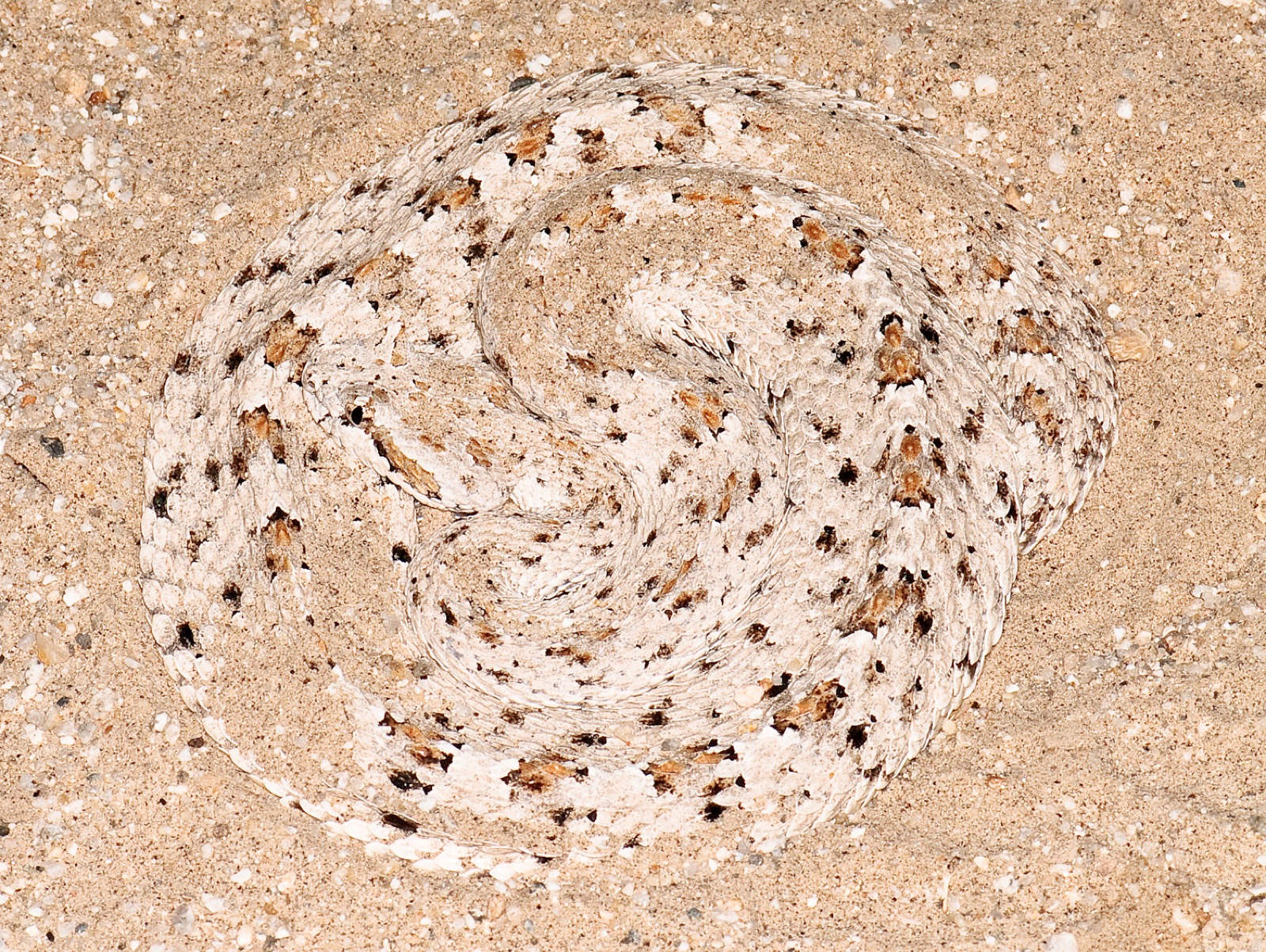
Photo: Marshal Hedin via Wikimedia Commons · CC BY 2.0
Snakes are master adaptors, thriving in diverse environments despite their legless form. Their incredible success stems from a suite of specialized biological features, including highly flexible bodies, unique sensory systems, and efficient internal organ arrangements. These adaptations allow them to move, hunt, and defend themselves with remarkable effectiveness, proving that limbs aren't always necessary for survival.
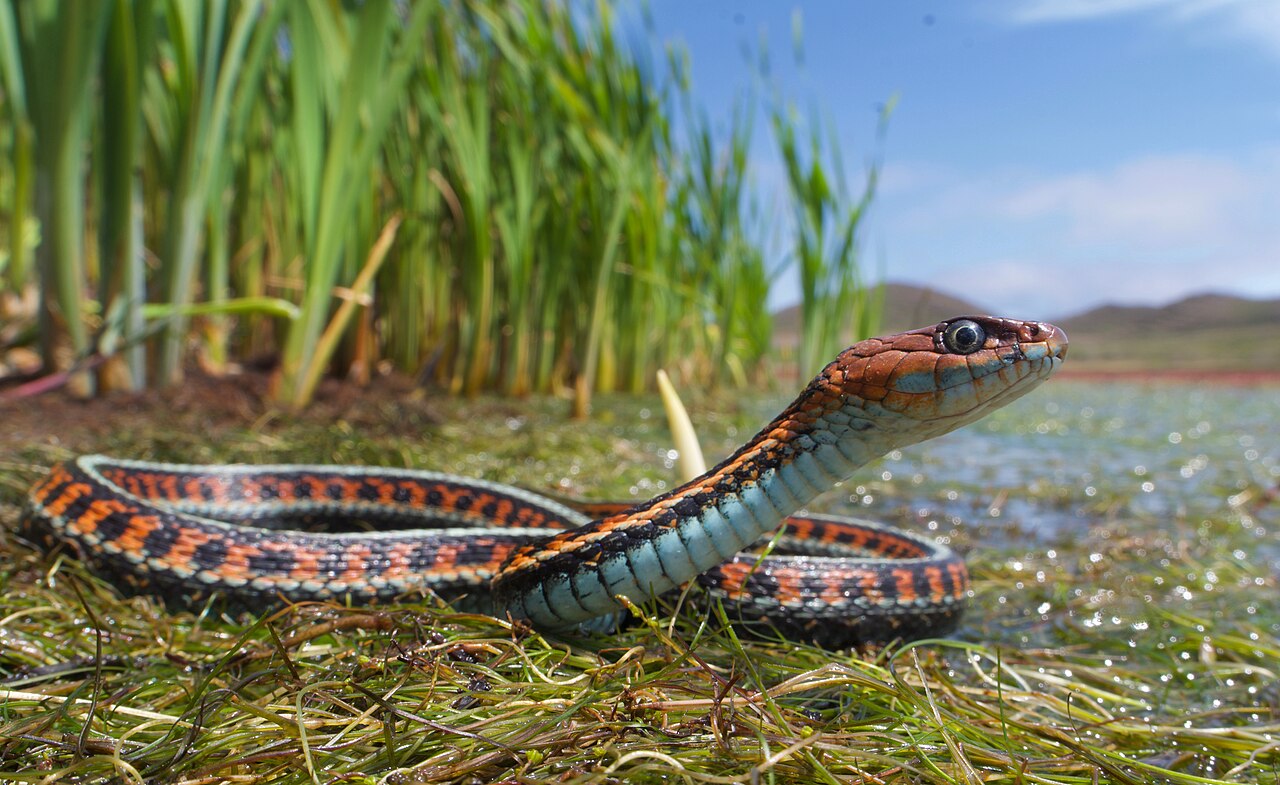
Photo: Dracoflight via Wikimedia Commons · CC BY 4.0
Snakes, like most reptiles, do not engage in play behavior as mammals or birds do. Their actions are primarily driven by instinctual needs for survival, such as hunting, escaping predators, thermoregulation, and reproduction. What might appear as play to a human observer is usually a manifestation of these essential survival behaviors or exploratory movements within their environment.
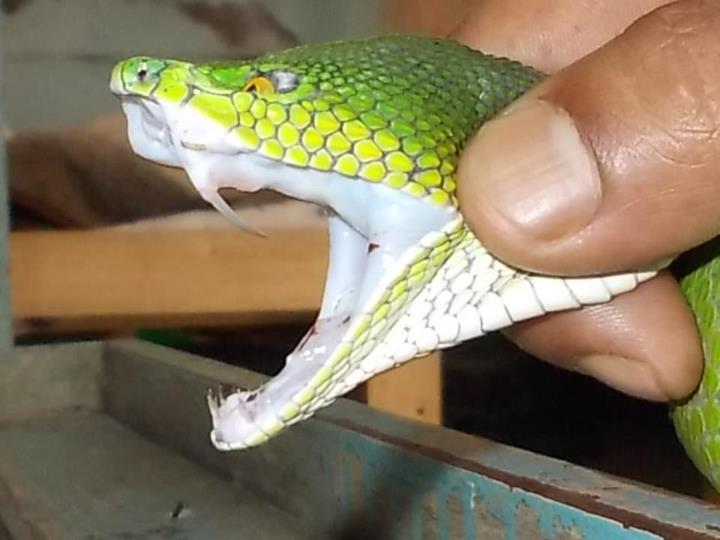
Photo: steve kharmawphlang via Wikimedia Commons · CC BY 2.0
Snakes inject venom through specialized fangs, which can be fixed or hinged, acting much like hypodermic needles. This complex process involves muscular contractions around venom glands, forcing the venom through grooves or hollow channels in the fangs into their target. The efficiency and speed of this intricate mechanism are crucial for subduing prey and for self-defense.
FAQ
Yes. Open SerpentID, take or upload a picture of the snake, and the app returns the most likely species in seconds. It is free to download on iOS and Android and works with both new photos and ones already in your gallery.
Yes. SerpentID is a free snake identifier app available on the App Store and Google Play. You can identify snakes by picture and review species safety information without paying upfront.
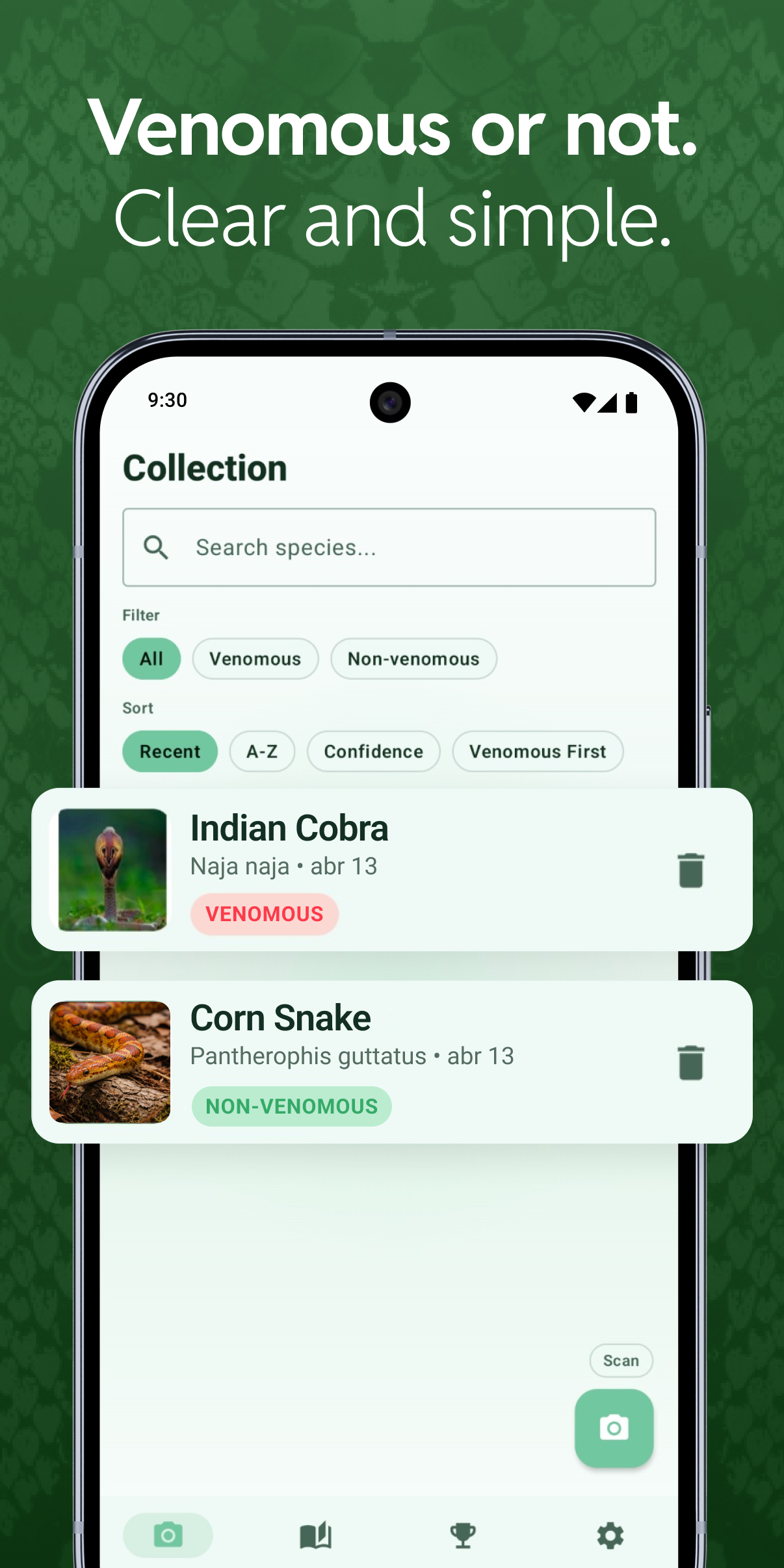
Visual cues such as head shape, pupil shape, color pattern, tail markings, and body proportions can hint at venomous species, but no single trait is reliable across regions. SerpentID does this comparison automatically and flags potentially venomous results so you can keep a safe distance.
Move away from the snake, stay as calm and still as possible, remove tight clothing or jewelry near the bite, and call your local emergency number immediately. Do not cut the wound, apply ice, or attempt to suck out venom. SerpentID is an educational aid and is not a substitute for emergency medical care.
SerpentID returns confidence-based top matches rather than a single guess, because real-world photos vary in angle, lighting, and visible markings. Treat low-confidence results conservatively, keep a safe distance from any unknown snake, and contact local wildlife professionals when in doubt.
Yes. You can upload an existing picture or take a new one in the moment, which is useful when you want to review a sighting without moving closer to the snake.
A clear, well-lit picture that shows the body pattern, head, and as much of the snake as possible — taken from a safe distance — usually gives the best result. Avoid blurry zooms or risky close-ups.
SerpentID is an educational aid and does not replace professional wildlife handling, emergency response, or medical evaluation.